
Set up your payroll infrastructure
Before processing your first USDC payment, you must establish the technical and legal rails that will carry those funds. This phase involves selecting the right corporate entity and choosing a payroll platform that can handle stablecoin compliance without exposing your business to unnecessary risk.
Choose the right payroll platform
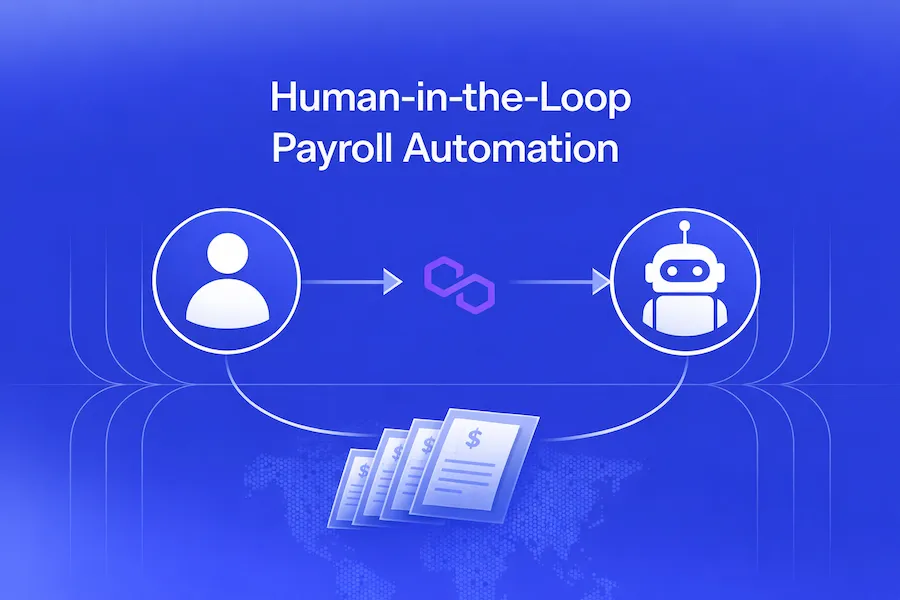
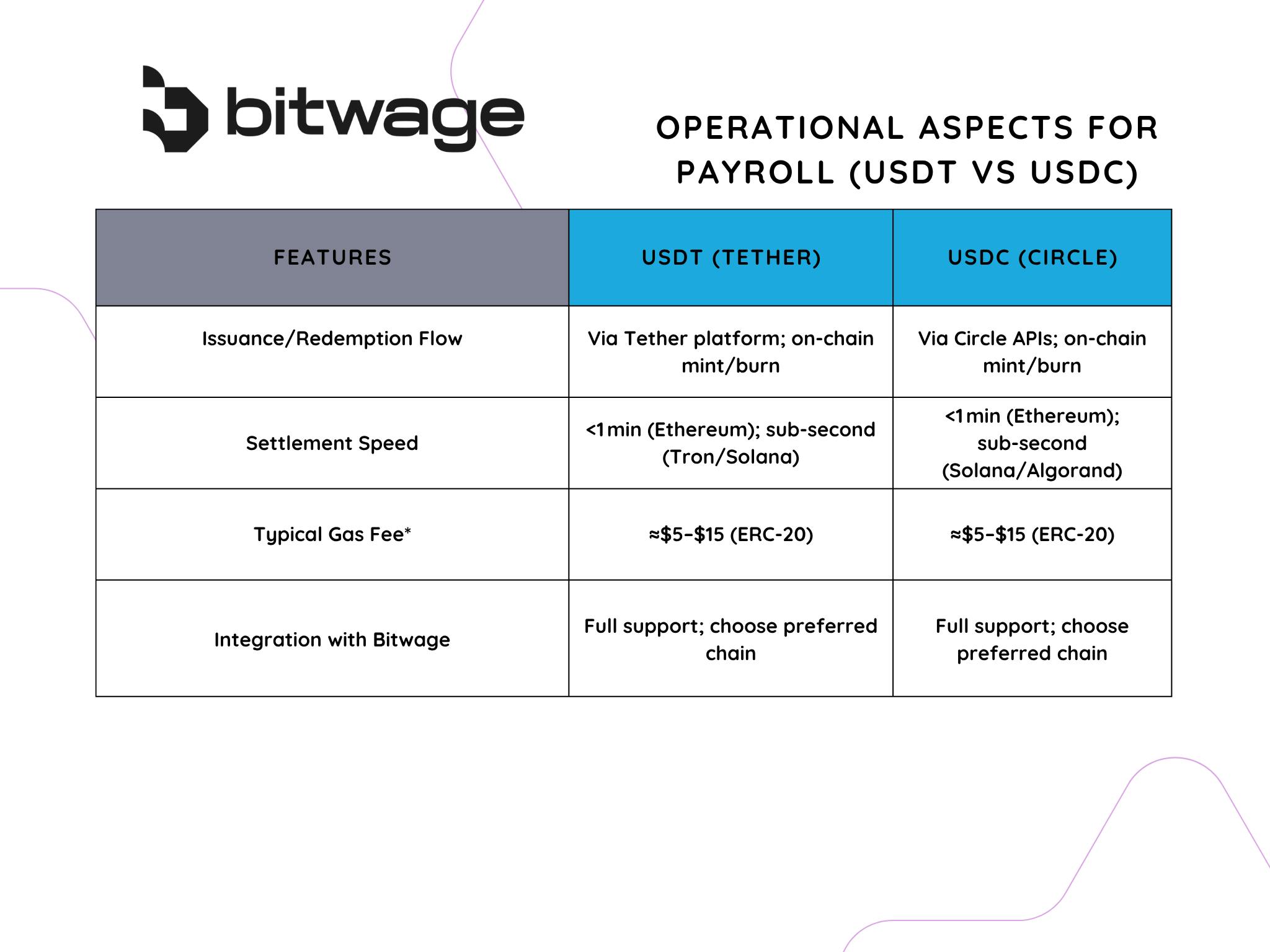
Not all payroll software supports cryptocurrency payouts natively. You need a platform that automates the entire flow: onboarding, approvals, payouts, and reporting. Look for providers that support multiple stablecoins, with USDC as the baseline and USDT as an option for broader reach.
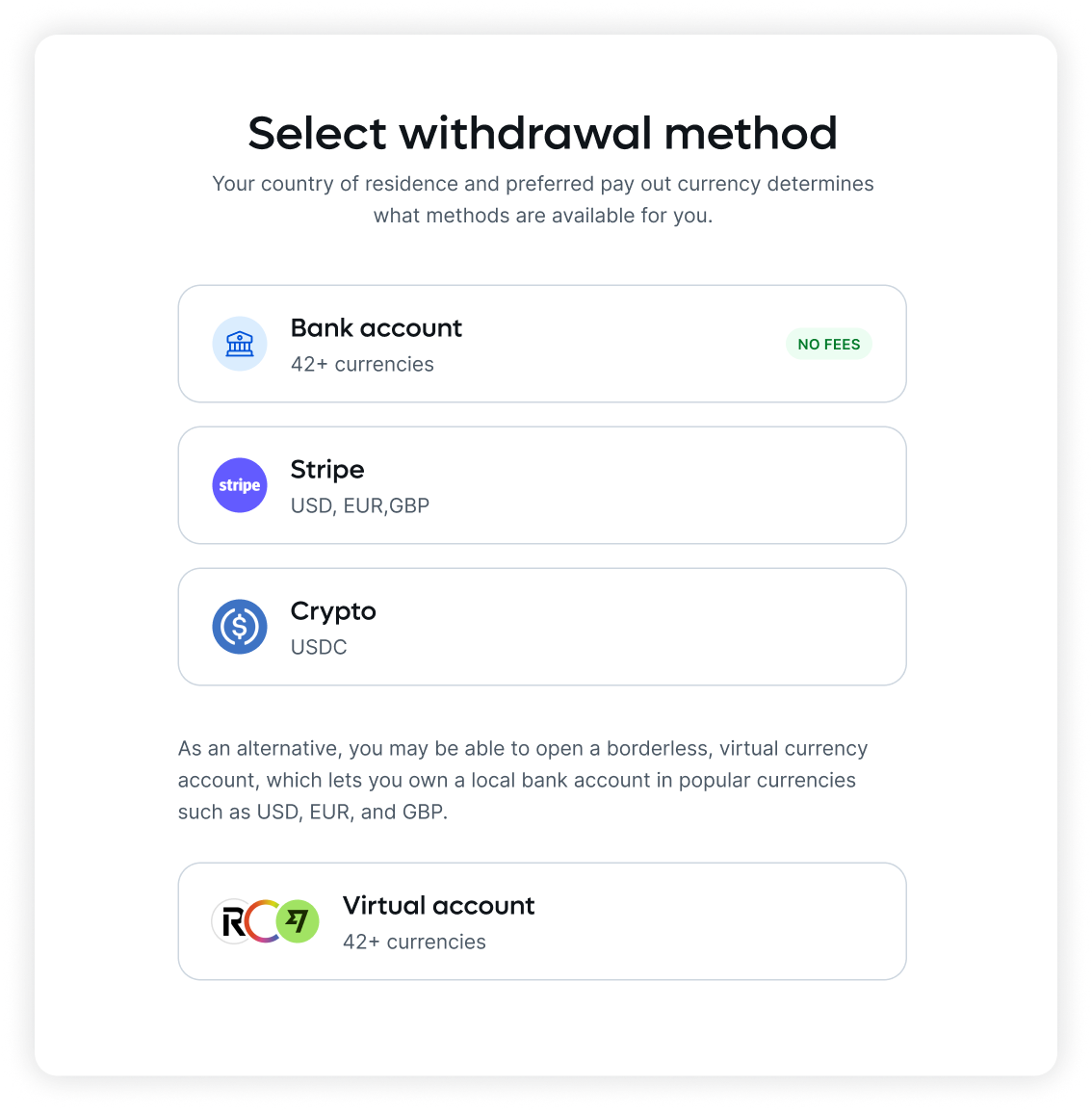
Ensure your payroll provider supports the specific blockchain networks (e.g., Ethereum, Polygon, Solana) where your employees prefer to receive funds to minimize gas fees. Some platforms restrict payouts to specific chains to maintain compliance and reduce costs.
Link your corporate entity to the payroll system. Configure tax withholding rules and reporting templates that align with local regulations. Since crypto payroll is still emerging, ensure the platform can generate standard W-2 or 1099 forms alongside blockchain transaction records.
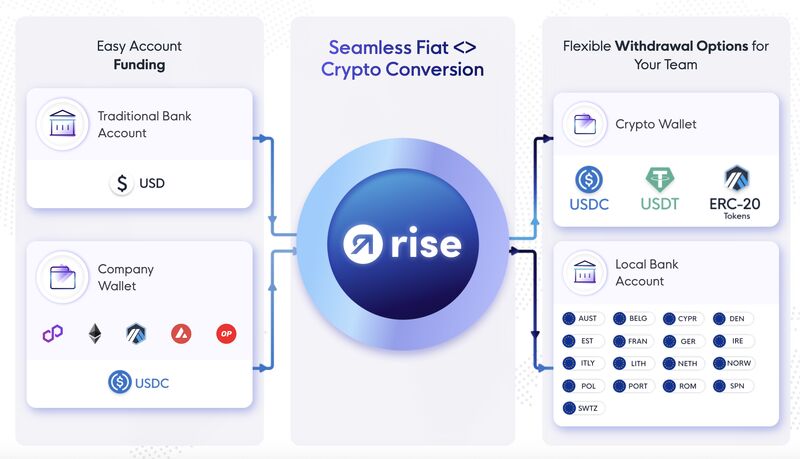
Create a corporate treasury wallet with multi-signature requirements. This ensures that no single employee can authorize large payouts alone. Connect this wallet to your payroll platform so that approved payroll runs trigger automatic transfers from the secure treasury.
Establish legal compliance
Payroll automation changes how you handle tax reporting. Work with legal counsel to ensure your entity structure allows for crypto payments and that your payroll provider’s terms of service do not violate local labor laws. Keep detailed records of every transaction for audit purposes.
Configure tax withholding and reporting
Automating USDC payroll does not exempt you from local tax obligations. Stablecoin payments are still compensation, and your payroll system must calculate, withhold, and report taxes just as it would for fiat transfers. If the software sends the full gross amount to a wallet without deducting the correct share, you remain liable for the employer’s portion of social security, unemployment, and income taxes.
The configuration process requires mapping your jurisdiction’s tax codes to the automated payout rules. This ensures that every disbursement triggers the correct internal ledger entries before the transaction is signed and broadcast.
Begin by ensuring every employee profile includes accurate residency data. USDC payroll platforms often support multi-jurisdictional rules, but they cannot guess local tax rates. Manually verify that each worker’s location matches the withholding rules for their state, province, or country. Incorrect residency data leads to under-withholding, which triggers penalties during annual reconciliation.
Connect your payroll software to a reliable tax calculation service, such as Avalara or TaxJar, or use the platform’s built-in compliance module. This step is non-negotiable for USDC payroll automation because stablecoin values fluctuate, and tax liabilities are calculated in fiat currency equivalents. The engine must convert the USDC gross pay into your local currency at the time of calculation to determine the exact tax amount to withhold.
Configure the system to handle specific tax codes, such as Social Security, Medicare, or local income tax. Set thresholds for exemptions, such as personal allowances or dependent credits. Ensure the system applies these deductions to the USDC amount before it leaves your treasury. If you skip this, the employee receives the full amount, and you must manually collect the tax difference later—a process that defeats the purpose of automation.
Link your payroll account to the relevant tax authority portals or use a third-party remittance service. Schedule automatic transfers of withheld taxes to government accounts on the same cycle as payroll runs. This ensures that USDC payroll automation complies with filing deadlines. Late payments incur interest and penalties that far exceed any administrative savings from using stablecoins.
Configure the system to automatically generate W-2s, 1099s, or local tax forms at the end of each pay period and fiscal year. These reports must detail the fiat-equivalent value of the USDC paid and the taxes withheld. Store these records securely in your accounting software. Auditors will need proof that the stablecoin transactions were treated as taxable income, not capital gains or non-reportable transfers.
By following this sequence, you ensure that USDC payroll automation remains compliant with local regulations. The goal is to make tax compliance invisible to the employee while keeping it rigorous and auditable for your business.
Fund and execute the first payroll run
Before processing payments, ensure your payroll account is funded and employee wallets are verified. This section walks through the actual transaction process: funding the payroll account, verifying employee wallets, and executing the batch payment.
Transfer USDC from your treasury or corporate wallet to your designated payroll wallet. Ensure the balance covers the total payroll amount plus any network gas fees. Confirm the transaction on-chain before proceeding.
Double-check that each employee’s wallet address matches the one on file. A single character error can result in permanent loss. Use a checklist to confirm addresses for all recipients before initiating the batch.
Initiate the batch transaction from your payroll platform. Review the total amount and recipient list one last time. Confirm the transaction and monitor the blockchain explorer for confirmation.
Once the transaction is confirmed on-chain, notify employees that their USDC payroll has been sent. Provide them with the transaction hash for their records.
Audit transactions and handle errors
Reconciliation is where automation meets accountability. Even with smart contracts handling the transfers, you are responsible for verifying that the right person received the right amount in the right currency. Treat this audit phase as a final checkpoint, not an afterthought.
Verify transaction success
Start by exporting your payroll ledger from your USDC payroll automation platform. Cross-reference this against the blockchain explorer for the specific network you used (Ethereum, Solana, Polygon, etc.). Look for transaction hashes that show Success or Confirmed status.
Pay attention to the recipient address. A single character mismatch in a wallet address results in permanent loss of funds. If you are using a payroll service that abstracts wallet management, verify that the internal ledger balances match the on-chain settlement.
Identify and correct failed transactions
Failed transactions usually stem from three sources: insufficient gas fees, incorrect wallet addresses, or network congestion. When a transaction fails, the USDC typically remains in your treasury or escrow account, but the employee does not receive their pay.
Do not simply retry the same transaction immediately. First, confirm the recipient’s wallet address is still valid and active. Then, check if the network is experiencing high congestion. If the address is correct and the network is stable, retry the transfer with a slightly higher gas limit to ensure inclusion in the next block.
Handle common reconciliation errors
The most common error in crypto payroll is sending to the wrong network. For example, sending USDC on the Ethereum network to an address expecting USDC on Solana will result in a failed transaction or, worse, lost funds if the receiving wallet does not support that specific token standard.
Always double-check the network prefix. If you notice a discrepancy between your internal payroll records and the blockchain, pause further disbursements until the error is resolved. Most reputable payroll automation providers offer real-time transaction status dashboards; use these to flag anomalies before they become compliance issues.
Document the audit trail
Maintain a clear record of every reconciliation step. This includes screenshots of successful transactions, logs of failed attempts, and notes on how errors were resolved. This documentation is critical for tax reporting and potential audits by financial regulators.
A well-documented audit trail demonstrates due diligence. It shows that you are actively managing risk and ensuring compliance with anti-money laundering (AML) and know-your-customer (KYC) requirements. In the event of a dispute, this record is your primary defense.
Compare top USDC payroll platforms
Choosing the right USDC payroll automation tool depends on your compliance needs, team size, and preferred blockchain infrastructure. Three platforms currently lead the market by balancing regulatory adherence with technical flexibility.
| Provider | Compliance Focus | Supported Chains | Fee Structure |
|---|---|---|---|
| Rise | Full payroll automation with reporting | Multi-chain (Ethereum, Polygon, Solana) | Per-payout or monthly subscription |
| Toku | Institutional-grade KYC/AML | Ethereum, Arbitrum, Base | Volume-based transaction fees |
| WageLink | Traditional payroll app with blockchain backend | Ethereum, BSC | Flat monthly SaaS fee |
Rise stands out for end-to-end automation, handling everything from onboarding to reporting. Toku prioritizes institutional security, making it suitable for larger enterprises with strict KYC/AML requirements. WageLink offers a familiar traditional payroll interface for teams new to blockchain, simplifying the transition from fiat to USDC.
Common usdc payroll: what to check next
Stablecoin payroll introduces new variables into traditional employment. Here are the most frequent compliance and technical questions employers face when transitioning to USDC.
Is USDC payroll taxable?
Yes. The IRS treats stablecoin payments as property, not currency. Employers must withhold income and payroll taxes just as they would for fiat. The taxable amount is the fair market value of the USDC at the time of payment. You must issue Form W-2s reflecting the USD value on the pay date.
Can USDC payments be reversed?
No. Blockchain transactions are irreversible. Once a payroll batch is confirmed on-chain, funds cannot be recalled. This makes accurate pre-payment verification critical. Ensure employee wallet addresses are double-checked before execution to prevent permanent loss of funds.
How do I handle employee onboarding?
You must collect and verify each employee’s wallet address. Use a secure, encrypted method to store this data. Consider requiring employees to perform a test transaction of a minimal amount to confirm the address is active and belongs to the correct recipient before processing full payroll.
No comments yet. Be the first to share your thoughts!