
Get USDC payroll 2026 right
Before you configure your first on-chain payment, you need a clear picture of your team’s legal and technical setup. Automated USDC payroll is not just a software switch; it is a compliance workflow that touches tax reporting, employee consent, and banking integration. Skipping these prerequisites leads to failed payouts or regulatory flags.
1. Verify regulatory classification
Treat every USDC payout as a taxable wage event. In most jurisdictions, paying employees in stablecoins is treated the same as paying in fiat for tax purposes. You must ensure your payroll software correctly calculates and withholds income tax, social security, and unemployment contributions before the transaction is signed on-chain. Failure to do so shifts liability to the employer.
2. Secure explicit employee consent
You cannot force employees to accept USDC. Many regions require written consent for wages to be paid in digital assets. Create a clear opt-in process that explains the volatility risks, even with stablecoins, and the mechanism for converting to local currency. Keep these records in your HR system alongside standard employment contracts.
3. Choose a compliant payroll provider
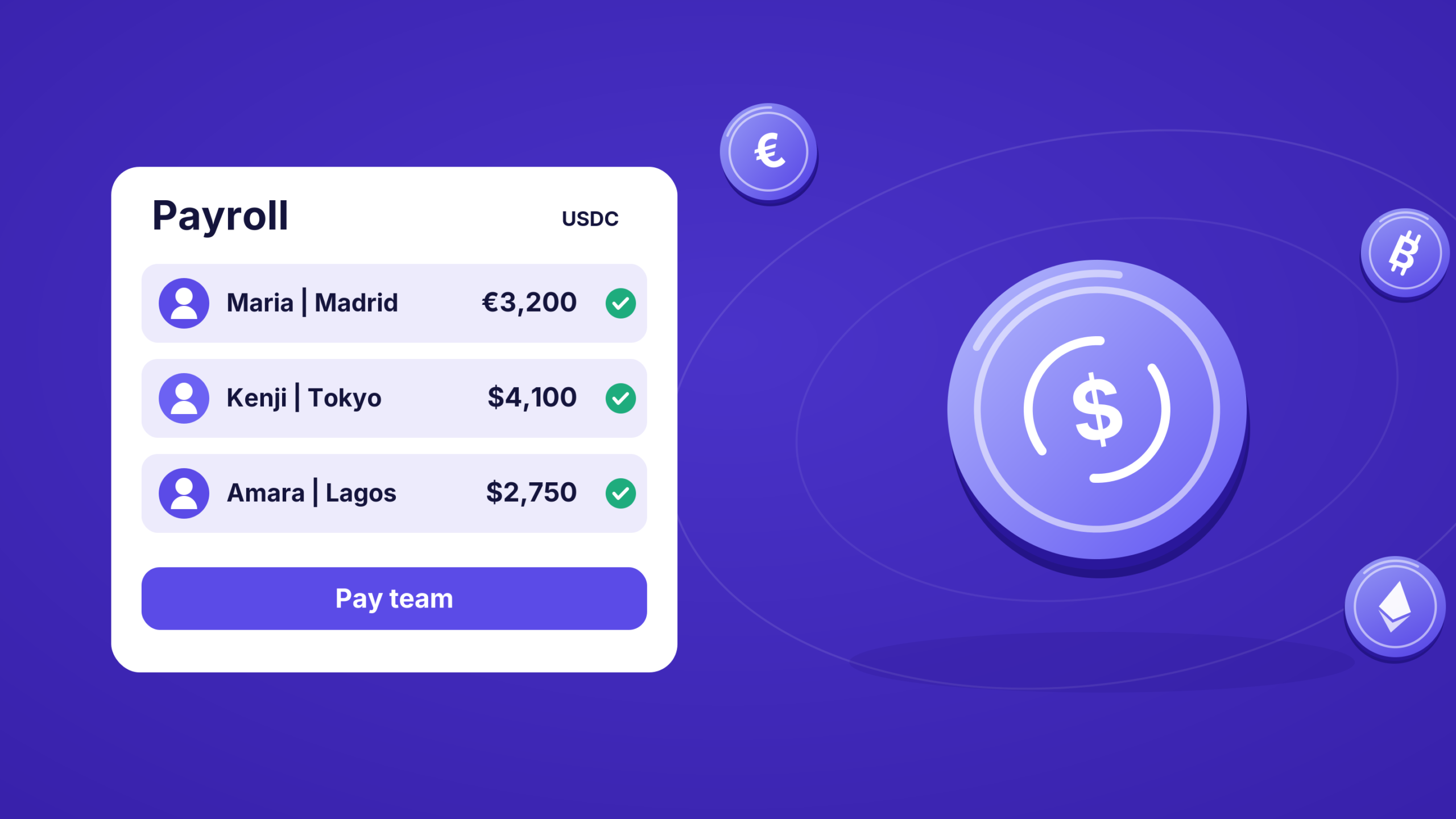
Not all crypto wallets are built for payroll. You need a platform that handles the complex backend: batch processing, tax form generation (like W-2s or 1099s), and audit trails. Established providers like Bitwage or Eco integrate with traditional payroll systems to bridge the gap between off-chain labor laws and on-chain settlement. Avoid building a custom solution unless you have dedicated legal counsel.
4. Test with a small batch
Run a pilot with five to ten employees before rolling out to the entire organization. This allows you to verify that tax withholdings are accurate, that employees can successfully withdraw USDC to their personal wallets, and that your accounting software records the transactions correctly. Fix any friction points in this phase to avoid payroll errors on payday.
5. Establish a support channel
Employees may encounter issues with wallet addresses, transaction confirmations, or tax questions. Designate a specific point of contact—usually within HR or Finance—to handle these inquiries. Provide clear documentation on how to verify wallet addresses and how to report lost access to payroll funds.
Work through the steps
to Automated USDC Payroll works best as a clear sequence: define the constraint, compare the realistic options, test the tradeoff, and choose the path with the fewest hidden costs. That order keeps the advice usable instead of decorative. After each step, pause long enough to check whether the recommendation still fits the reader's actual situation. If it depends on perfect timing, unusual access, or a best-case budget, include a simpler fallback.
Fix common mistakes
to Automated USDC Payroll troubleshooting should start with a clear boundary: what is actually broken, and what still works normally. Check the display, network connection, paired devices, app access, and recent updates before assuming the whole system needs a reset. A small connection failure can make the main screen feel unreliable even when the core system is fine. Work from low-risk checks to deeper resets. Confirm power state, safe parking, account access, and signal first. Then restart the interface, wait for it to reload completely, and test the original symptom. Avoid changing multiple settings at once because that makes it harder to know which step actually fixed the problem. If the issue affects safety information, repeats after every restart, or appears with warning messages, treat the reset as a temporary diagnostic step rather than the final fix. Document the symptom and move to official support instead of stacking more DIY attempts.
The simplest way to use this section is to keep the setup small, verify each change, and record the stable configuration before adding optional accessories.
Usdc payroll 2026: what to check next
Before switching to stablecoin compensation, address these common operational and compliance questions. These answers reflect the current 2026 landscape for automated USDC payroll.
When implementing USDC payroll, verify that your platform supports these specific calendar alignments to avoid missed payments during leap years or holiday shifts. Always cross-reference the official OPM or state calendar with your payroll provider’s automated disbursement schedule.
No comments yet. Be the first to share your thoughts!