
Choose a compliant payroll provider
Selecting the right platform is the foundation of USDC payroll. In 2026, the choice determines whether your payments clear legally and settle instantly. You need a provider that handles USDC specifically, not just general crypto wallets. Look for systems that automate tax withholding and generate the required IRS reports. Without these features, you risk compliance violations and manual accounting errors.
Most major crypto payroll platforms support stablecoins like USDC and USDT. Eco, Bitwage, and Rise are common options. Each handles compliance differently. Some focus on US-based W-2 workers, while others support global contractors. Check their supported countries and tax handling capabilities carefully. A platform that works for US employees may not support EU VAT or local payroll taxes.
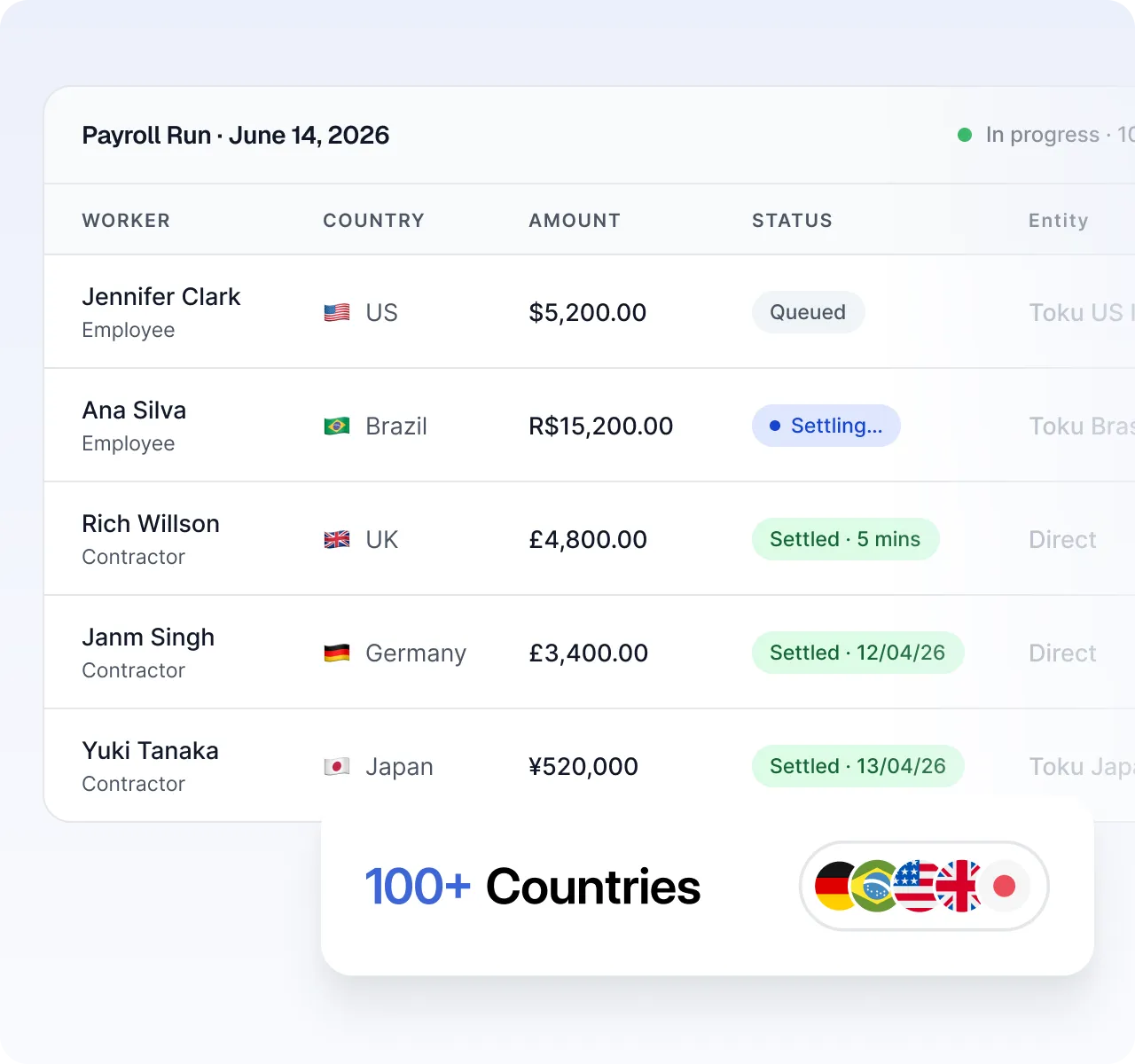
Compare your options using the table below. Focus on fees, supported regions, and tax reporting. The right tool should feel like an extension of your existing HR stack, not a separate crypto wallet.
| Provider | Fees | Supported Countries | Tax Reporting |
|---|---|---|---|
| Eco | ~0.5% per transaction | Global (190+) | Automated 1099 & W-2 |
| Bitwage | ~1% per transaction | US, UK, EU | Partial (US-focused) |
| Rise | $10/month flat | US, Canada | Automated 1099 |
| Deel | $0.10 per payout | 150+ | Full local compliance |
Configure tax withholding rules
Before you send the first USDC batch, you must map your payroll provider’s configuration to your local jurisdiction’s tax tables. Stablecoins do not change tax liability; they only change the settlement medium. If your software calculates net pay without applying the correct statutory deductions, you risk non-compliance with labor laws and tax codes.
Start by verifying that your payroll vendor supports automated tax withholding for digital asset payouts. Most modern platforms treat USDC like any other currency for reporting purposes, but the gross-to-net calculation must remain accurate. Ensure the system can handle the volatility risk or fixed-rate snapshot at the moment of payout, as this affects the taxable income reported to the employee.
Next, input the specific withholding parameters for your jurisdiction. This includes federal, state, and local income taxes, as well as social security and Medicare contributions where applicable. Use the official payroll calendars from your local government—such as the GSA 2026 payroll calendar—to align your pay periods with statutory reporting deadlines.
Finally, run a test payout with zero or minimal funds to validate the deduction logic. Check that the employee’s pay stub reflects the correct USDC amount converted to fiat value for tax purposes. This step confirms that your automated tax rules are firing correctly before you commit to full-scale payroll distribution.
Confirm your payroll platform supports automated tax withholding for stablecoin payouts. Ensure it can calculate gross-to-net correctly and handle volatility or fixed-rate snapshots at payout time.
Enter federal, state, and local tax rates into the system. Align your pay periods with official government calendars, such as the GSA 2026 payroll calendar, to meet statutory reporting deadlines.
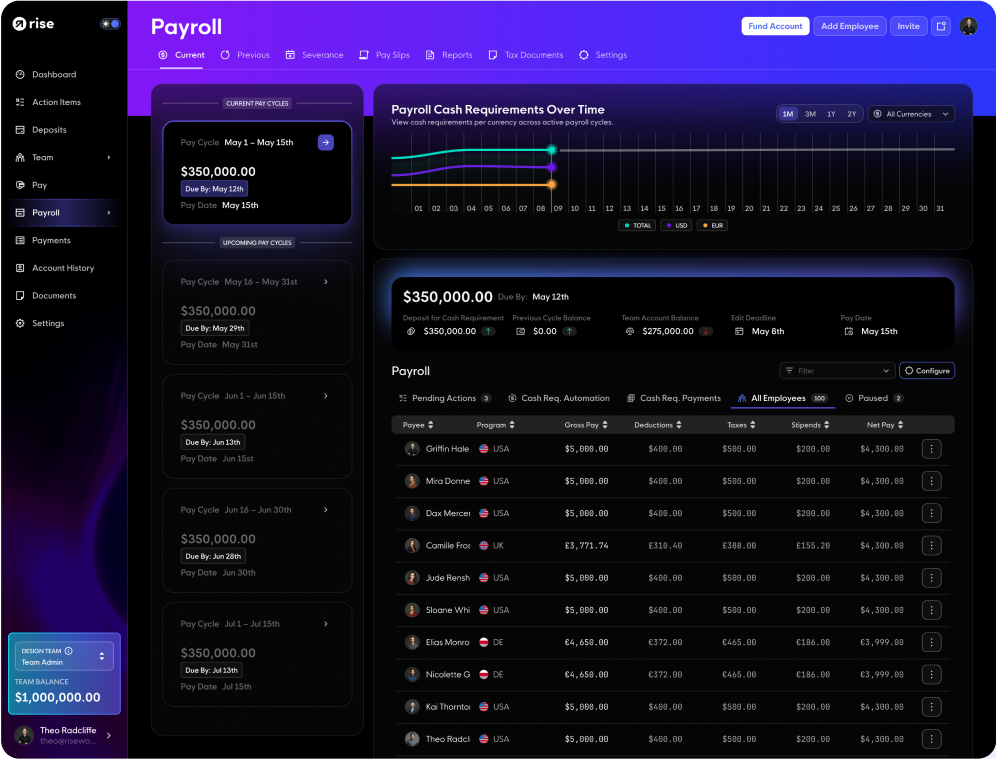
Process a test transaction with minimal funds. Verify that the employee’s pay stub reflects the correct USDC-to-fiat conversion for tax purposes and that all deductions fire as expected.
Onboard employees securely
Before sending your first USDC payroll, you must verify the identity and wallet ownership of every employee. This KYC/AML process protects your company from regulatory penalties and prevents funds from being sent to fraudulent or sanctioned addresses. Treat this step with the same rigor as traditional banking compliance.

Gather government-issued IDs (passports or driver’s licenses) from each employee. Use a trusted KYC provider or your payroll platform’s built-in verification module to validate these documents against official databases. Ensure the data is encrypted in transit and stored according to your jurisdiction’s privacy laws.
Require employees to sign a small test transaction from their wallet to your company’s multisig or payroll address. This proves they control the private keys associated with the address. Never rely solely on a wallet address provided in an email or form; the cryptographic signature is the only proof of ownership.
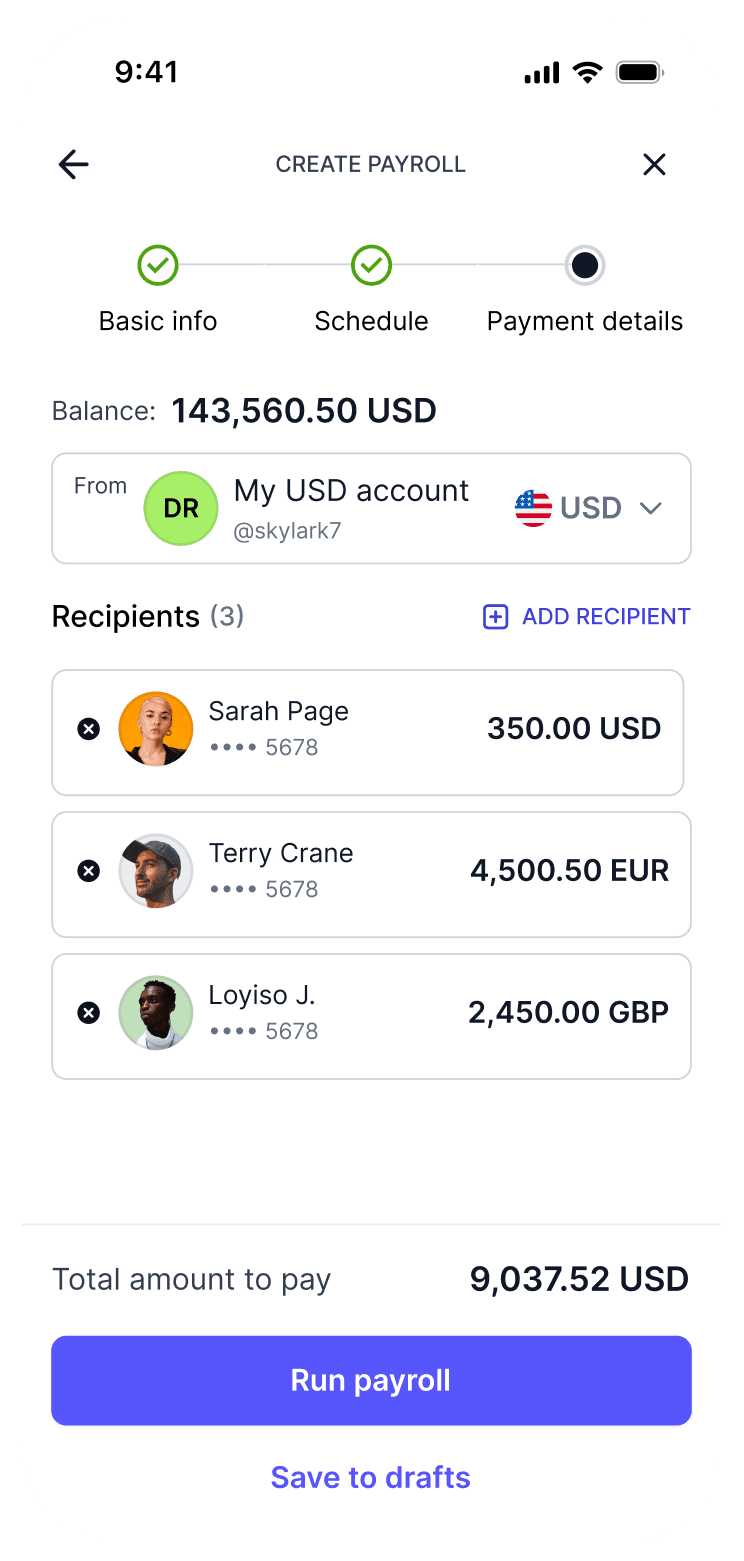
Run both the employee’s identity and their wallet address through OFAC, UN, and EU sanctions databases. Many payroll platforms automate this, but you must confirm the screening is real-time and covers all relevant jurisdictions where your company operates. If a match occurs, halt onboarding immediately and consult legal counsel.
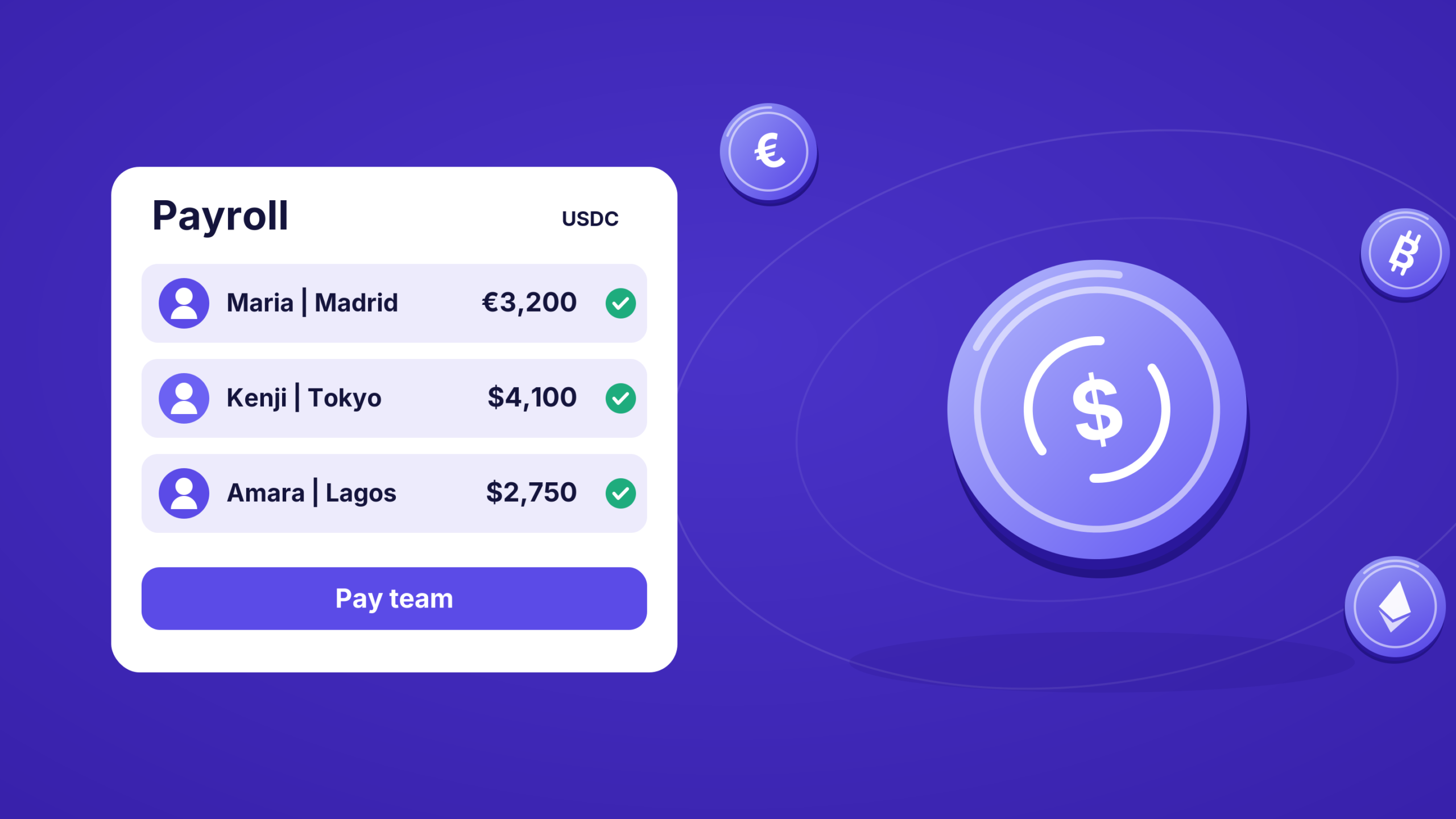
Maintain a secure, immutable audit trail of all KYC checks, wallet verifications, and sanctions screenings. These records may be required during tax audits or regulatory inquiries. Ensure your storage solution meets data retention requirements and restricts access to authorized compliance personnel only.
Run the first USDC payroll cycle
Before executing the first payment, ensure the payroll budget is allocated in the treasury wallet and that all employee wallets have been verified against the on-chain identity registry. This initial run serves as the primary proof of concept for your compliance and accounting workflows.
1. Compile and approve the payroll batch
Aggregate the calculated USDC amounts for each employee into a single batch transaction. Most payroll platforms require a multi-signature approval for this step to prevent unauthorized disbursements. Review the total gas fees and ensure the treasury wallet has sufficient USDC to cover both the salaries and the network transaction costs.
Input the employee list and final USDC amounts into your payroll software. The system will generate a draft batch. Verify that tax withholdings and deductions are correctly applied before finalizing the list.

Route the draft batch to the designated approver. If your organization uses a multi-sig wallet (e.g., SafeWallet), ensure all required signatories review and approve the transaction hash. This step creates an immutable audit trail for your finance team.
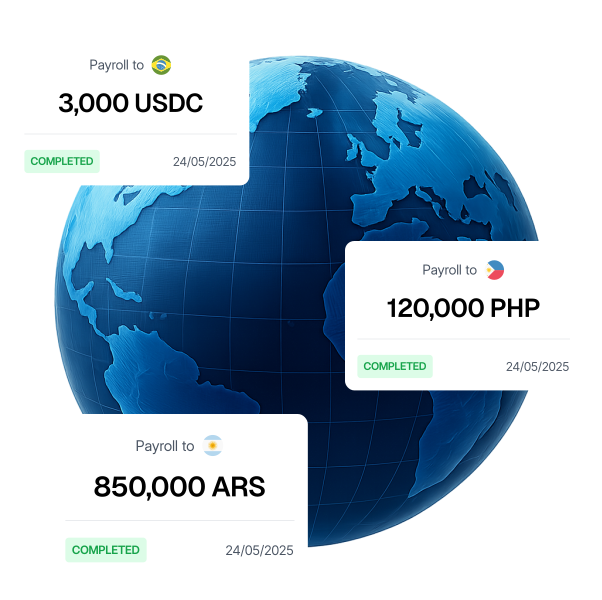
Once approved, broadcast the transaction to the blockchain. Monitor the mempool to ensure the transaction is confirmed. Most stablecoin networks process these transactions in seconds, but allow for network congestion during peak hours.
2. Confirm receipt and notify employees
After the transaction is confirmed on-chain, verify that the funds have landed in the employees’ wallets. Send a confirmation email or in-app notification to each recipient, including the transaction hash (TXID) and the block explorer link. This transparency helps employees track their funds and reduces support queries.
3. Reconcile with accounting records
Immediately log the transaction in your accounting software. Link the on-chain TXID to the specific payroll period in your ledger. This step is critical for tax reporting and ensures that your off-chain books match the on-chain reality. Failure to reconcile these records can lead to significant discrepancies during tax season.
Common USDC payroll mistakes
Even with a stablecoin like USDC, payroll errors can trigger compliance flags or failed payments. Most issues stem from operational oversights rather than technical failures. Review these frequent pitfalls before launching your payroll workflow.
Choosing the wrong network
Sending USDC on the wrong blockchain chain results in lost funds or delayed settlement. USDC operates on Ethereum, Solana, Polygon, and other chains, but your payroll provider and employees must agree on the destination. Always verify the network compatibility in your payroll dashboard before initiating batch payments. Sending USDC-ERC20 to a Solana wallet will result in an irreversible loss.
Ignoring volatility in reporting
While USDC is pegged to the US dollar, accounting systems do not automatically treat it as cash. Failure to record stablecoin transactions at the correct exchange rate can distort your financial statements. Ensure your bookkeeping software maps USDC payments to the appropriate foreign currency or digital asset accounts. This prevents discrepancies during tax season and keeps your balance sheet accurate.
Overlooking gas fees
Payroll platforms often deduct network fees from the employee’s payout or charge the employer separately. If not configured correctly, these fees reduce the net compensation delivered. Check whether your provider covers gas fees or passes them to recipients. For high-volume payrolls, aggregating transactions on low-cost networks like Polygon can significantly reduce overhead.
Failing to verify recipient addresses
A single typo in a wallet address sends payroll to the wrong destination. Unlike bank transfers, crypto transactions are final. Implement a mandatory confirmation step where employees verify their wallet addresses before each pay cycle. Use platform features that allow address whitelisting to reduce manual entry errors and enhance security.
Skipping tax withholding compliance
Stablecoin payments are still taxable income in most jurisdictions. Distributing USDC does not exempt you from withholding income tax, social security, or unemployment contributions. Ensure your payroll software calculates deductions in fiat value before converting to USDC. Consult a tax professional to confirm that your stablecoin payroll structure meets local regulatory requirements.
Usdc payroll compliance: what to check next
Stablecoin payroll adoption is accelerating in regulated markets. The UK and EU rollout began in March 2026, while the US rollout has no confirmed timeline as of Q1 2026 [src-serp-5].
Is USDC payroll legal in the US?
There is no federal ban, but no federal framework yet. Compliance depends on state money transmitter laws and IRS reporting rules. Consult a legal expert before launching.
How are USDC wages taxed?
The IRS treats crypto as property. You must report fair market value at the time of payment for payroll taxes. Employees owe capital gains tax when they sell.
Who is liable for wallet errors?
If you use a self-custody wallet, you bear the risk. Lost keys mean lost funds. Use a payroll provider with recovery options and insurance for business accounts.
No comments yet. Be the first to share your thoughts!